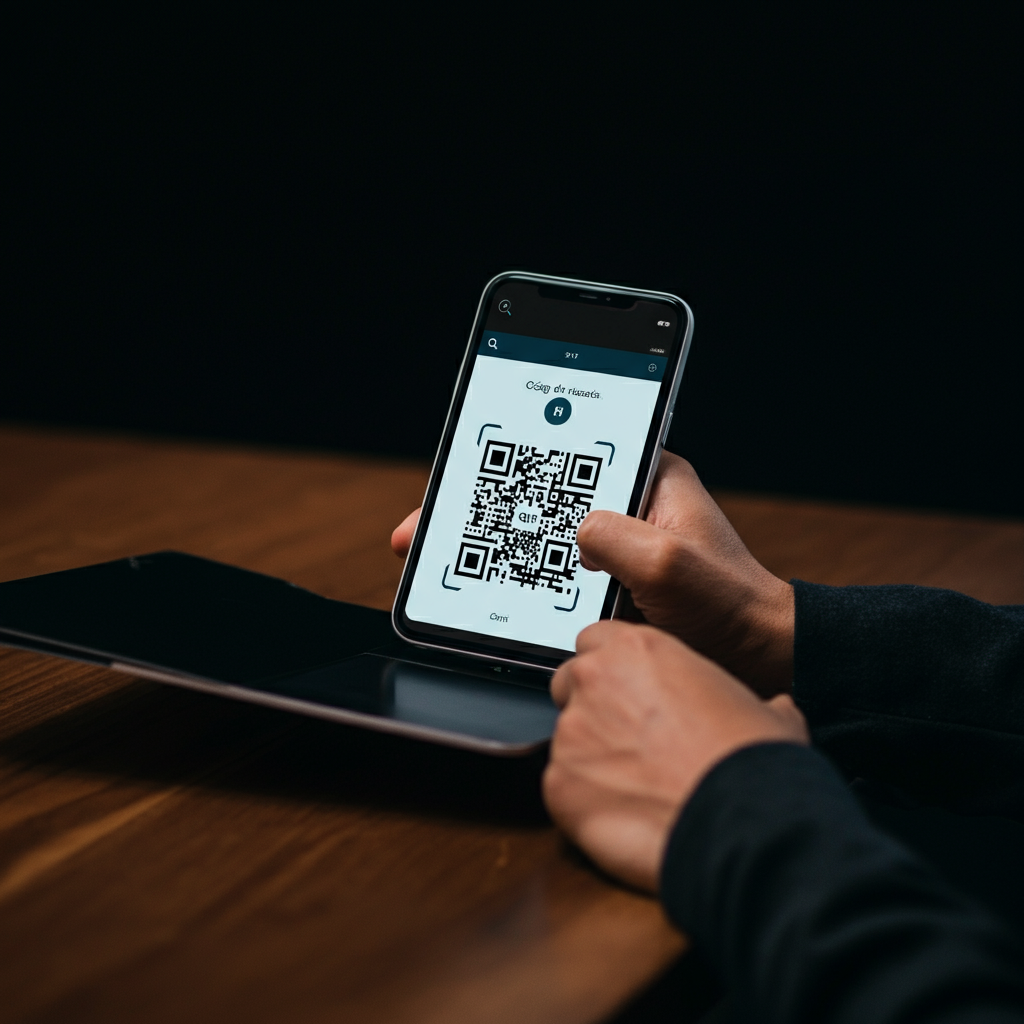
How to Convert a Video to a QR Code
```markdown
how-to-convert-a-video-to-qr-code
In today's digital age, video content has solidified its position as the undisputed king of engagement. However, connecting the physical world with these dynamic digital experiences can be a challenge. This is where a surprisingly simple yet powerful tool comes into play: learning **how to convert a video to a QR code
Frequently Asked Questions
Static QR codes encode the URL directly and cannot be modified once created. In contrast, dynamic QR codes link to a redirectable short URL, allowing the destination video to be changed at any time without needing to reprint the code and offering the possibility to collect scan statistics.
Key advantages include instant and frictionless accessibility, interactive and enriched marketing, increased audience engagement and retention, as well as the ability to obtain precise metrics and tracking with dynamic codes. Additionally, they offer flexibility and ease of updating the associated content.
For most users, it's recommended to host the video on public platforms like YouTube or Vimeo, as they are free, fast, and reliable. Other options include hosting it on your own web server or using professional video hosting services like Wistia or Vidyard.
A good generator should offer support for dynamic QR codes, customization options such as changing colors and adding a logo, an analytics dashboard for scan tracking, and the ability to download the code in high-quality formats (like SVG or EPS) for printing.
After generating the code, it is absolutely vital to download it in the appropriate format (SVG or EPS for printing) and, above all, to test it thoroughly. This involves scanning it with multiple devices and applications to ensure it works universally and redirects to the correct video.
To maximize effectiveness, it is crucial to optimize the video for mobile and add a clear call to action (CTA) next to the code. Additionally, you should pay attention to the code's size (minimum 2x2 cm) and contrast, choose a strategic location for scanning, and consider using an intermediate landing page.
Related articles