Free QR Code No Expiration
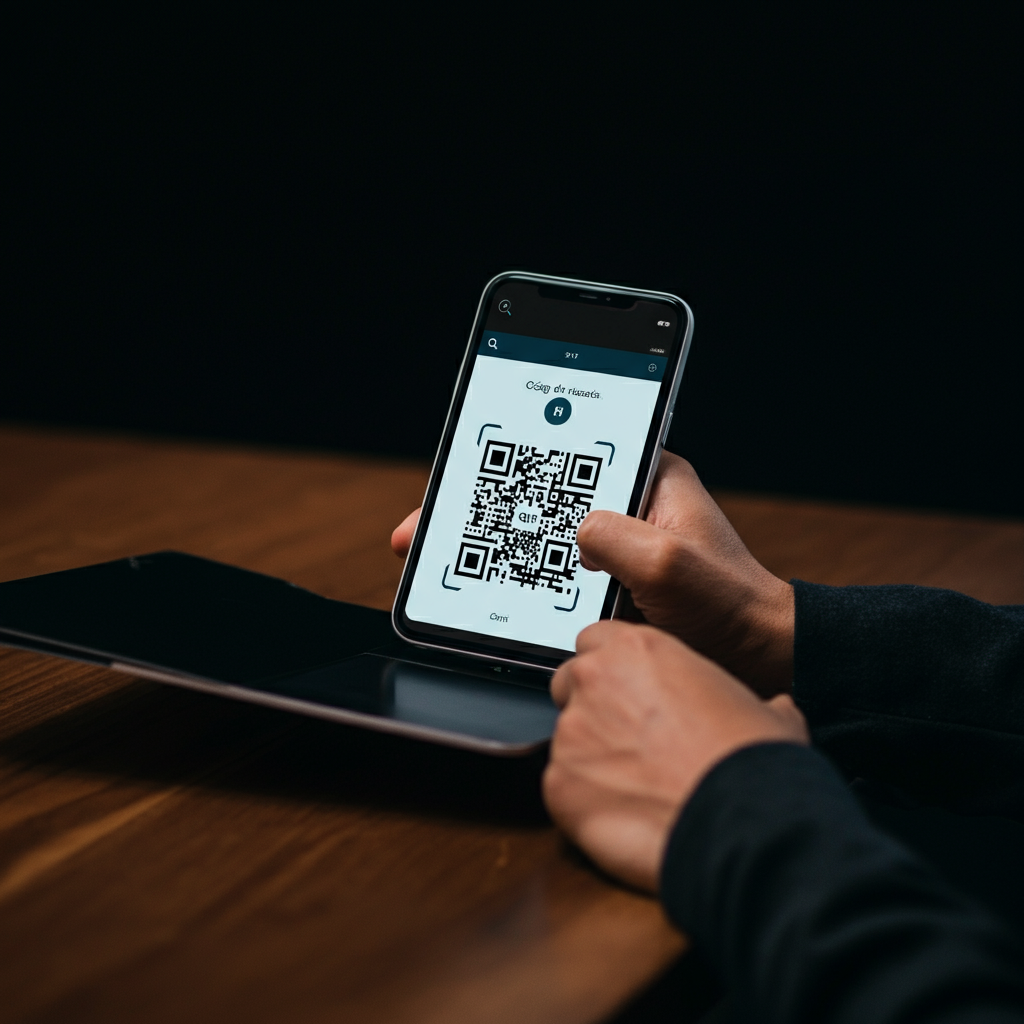
Free QR Code With No Expiration
In today's digital age, finding a free QR code with no expiration has become a necessity for businesses, entrepreneurs, and individual users alike. These small matrices of dots are incredibly efficient bridges between the physical and digital worlds, but their long-term usefulness depends on one crucial factor: they must not expire. If you've ever printed hundreds of flyers only to discover that your QR code has stopped working, you know how frustrating it can be. This comprehensive guide will teach you everything you need to know to generate free QR codes that last forever, ensuring that your investment in printed materials and marketing strategies is durable and reliable.
We will analyze the fundamental difference between QR codes that expire and those that don't, guide you step-by-step through the creation process, and explore practical applications so you can make the most of this powerful tool without spending a dime and without fear of future surprises.
What Exactly is a QR Code With No Expiration?
To understand why some QR codes are eternal while others have a limited lifespan, we must delve into the technology that supports them. The key is not in the code itself, but in the type of information it stores and how it manages it. The fundamental distinction lies in two categories: static and dynamic QR codes.
The Key Difference: Static vs. Dynamic QR Codes
Understanding this difference is the first and most important step to ensuring you are creating a free QR code with no expiration.
Static QR Codes: The Permanent and Free Solution
A static QR code is the simplest and most direct form of a QR code. The final information (such as a website URL, text, contact details, or a Wi-Fi network password) is encoded directly into the pattern of black and white squares of the code itself. Once generated, this information cannot be changed.
- Why don't they expire? Since the data is embedded in the image, the code does not depend on any external service or intermediary server to function. As long as the URL it points to remains active, the QR code will work indefinitely. It's self-sufficient.
- Why are they free? The technology to generate these codes is simple and does not require ongoing maintenance from the service provider. That's why the vast majority of generators offer the creation of static QR codes completely free of charge.
- Advantages:
- Disadvantages:
Dynamic QR Codes: Flexibility at a Cost
A dynamic QR code, on the other hand, is more complex. Instead of encoding the final URL directly, it encodes a short, unique URL that belongs to the QR generation service provider. When a user scans the code, their device first visits that short URL. The provider's server queries its database, sees what the final destination URL associated with that short URL is, and finally, redirects the user.
- Why can they expire? Their functionality depends entirely on the provider's service. If you stop paying the subscription, or if the free plan has a scan or time limit, the provider simply deactivates the redirection. The QR code will still be scannable, but it will lead to an error page or an advertising page for the provider.
- Advantages:
- Disadvantages:
In short, if your goal is to create a free QR code with no expiration, you should always opt for a static QR code.
How to Create Your Own Free QR Code With No Expiration Step-by-Step
Now that you know the theory, let's get to the practice. Creating a permanent QR code is a simple and quick process if you follow the right steps and choose the right tool.
Choosing the Right QR Code Generator
A simple Google search will show you dozens of generators. To ensure you're creating a static and free code, look for these features:
- Clear option for "Static": The platform should explicitly allow you to choose between static and dynamic QR codes. Be wary of sites that only promote their "editable" or "tracking" features without mentioning the static option.
- No mandatory registration: To create a simple static code, you shouldn't need to create an account or provide your email. Registration is usually a hook to sell you paid plans for dynamic codes.
- Basic customization options: A good free generator will allow you to change the colors and sometimes add a simple logo in the center. This helps the code align with your brand.
- High-resolution download: It is essential that you can download the code in high-quality formats like PNG (with a transparent background) or, ideally, SVG (a vector format that can be scaled to any size without losing quality). This is crucial for printing.
Practical Creation Guide
Let's use the most common example: creating a QR code that links to a website.
- Step 1: Select the content type.
- Step 2: Enter the information.
https:// at the beginning. Double-check for any typos. Remember: in a static code, this link cannot be changed later.
- Step 3: Customize the design (optional but recommended).
- Step 4: Generate and download the code.
Critical! Always Test Your QR Code
This is the step that many people forget and that can cost a lot of money and effort. Before sending your design to the printer, thoroughly test your QR code. Use different devices (an iPhone, an Android phone) and different scanning apps to make sure it works correctly and directs to the right URL. If you have customized it, this test is even more important to verify that the design does not interfere with its readability.
Practical and Creative Applications for Permanent QR Codes
A free QR code with no expiration is a versatile tool that can be applied in countless situations. Being a "set it and forget it" solution, it is perfect for items that will have a long lifespan.
In the World of Marketing and Business
- Business cards: Instead of just printing your name and number, add a QR code that links directly to your LinkedIn profile, your online portfolio, or a vCard file so they can save your contact with a single scan.
- Product packaging: A QR code on the packaging can direct customers to PDF user manuals, video tutorials on how to use the product, recipes (in the case of food), or a page to register the warranty. Since packaging doesn't change frequently, a static code is ideal.
- Restaurant and cafe menus: The quintessential post-pandemic solution. A static QR code on each table that links to the digital menu is an economical, ecological, and permanent solution. You don't need to pay a monthly subscription for it.
- Posters and outdoor advertising: On a poster in your shop window, a QR code can lead to your Google Maps page, your opening hours, or a permanent special offer for new customers.
For Personal Use and Creative Projects
- Wedding or event invitations: A QR code on the paper invitation can link to a website with all the details: map of the venue, gift registry, RSVP form, etc.
- Organization labels: Do you have storage boxes in the attic? Stick a QR code on each one that links to a Google Docs document or a note with a detailed list of its contents. You'll never have to open all the boxes to find something again.
- Educational projects: A teacher can include QR codes on worksheets that link to explanatory videos on YouTube, reference articles, or interactive simulations.
- Emergency information: On a pet's collar or on a bracelet for an elderly person, a QR code can contain vital contact information.
Common Mistakes to Avoid When Creating a Free QR Code
To ensure the maximum effectiveness and longevity of your code, be careful not to fall into these common traps:
- Using a "free" generator that actually creates trial dynamic codes: Some websites advertise "free" generators but automatically sign you up for a trial of a paid plan. The code you create is dynamic and will stop working when the trial ends. Always make sure you are creating an explicitly static code.
- Linking to a URL that is not permanent: The QR code may be permanent, but if the link it points to breaks (a 404 error), the code becomes useless. Make sure the destination page is stable and you don't plan to delete it.
- Not optimizing the landing page for mobile: Virtually 100% of QR code scans are done from a mobile phone. If your code leads to a website that is not responsive and looks bad on small screens, the user experience will be terrible and you will have lost an opportunity.
- Making the code too small on printed material: A QR code must have a minimum size (usually at least 2x2 cm or 1x1 inch is recommended) to be easily scannable. A tiny code in the corner of a large poster will be impossible to use.
- Not leaving a "quiet zone": All QR codes need a blank space around the pattern (the quiet zone). Do not place other design elements right next to the code, as this can confuse scanners.
Conclusion: The Lasting Power of a Well-Made QR Code
Ultimately, the promise of a free QR code with no expiration is not a myth; it's a reality accessible to everyone thanks to static QR codes. By understanding the fundamental difference with dynamic codes, you have taken the most important step toward creating reliable and long-lasting digital connection tools.
We've seen that the creation process is incredibly simple: choose a reliable generator, enter your data, make subtle customizations, and, most importantly, test it before mass deployment. Whether it's to boost your business with permanent digital menus, enrich your business cards, or simply to creatively organize your home, a static QR code is your best ally.
You don't need expensive subscriptions or advanced technical knowledge. With the information in this guide, you are perfectly equipped to start integrating these powerful digital bridges into your projects. So go ahead, start creating your own permanent QR codes and discover the unlimited potential of a tool that is simple, powerful, and truly free forever.
Frequently Asked Questions
The key difference is that static QR codes encode the information directly into the image and cannot be changed once generated. Dynamic QR codes, on the other hand, encode a short URL that redirects to the final information, allowing you to edit the destination and collect analytics, but they depend on a subscription service and can expire.
Static codes do not expire because the data is embedded directly into the code, eliminating the dependence on intermediary servers. They are free because the technology to generate them is simple and does not require continuous maintenance or subscription services from the provider.
You must use a QR code generator that explicitly offers the "static" option. Select the content type (e.g., URL), enter the information with https://, customize the design maintaining high contrast, and download it in a high-quality format like SVG. It is crucial to test the code with different devices before use.
Ensure the generator explicitly allows choosing the "Static" option, does not require mandatory registration, and offers high-resolution download (PNG or SVG). Be wary of sites that only promote editable or tracking features without mentioning the free static option.
They are ideal for business cards (LinkedIn link or vCard), product packaging (manuals, warranties), digital restaurant menus, advertising posters (location, hours), and event invitations (map, RSVP). They are also useful for home organization labels or educational projects.
Avoid using generators that actually offer dynamic test codes that will expire. Ensure that the destination URL is permanent and mobile-optimized. Do not make the code too small on printed materials (minimum 2x2 cm) and always leave a white "quiet zone" around the pattern to facilitate scanning.